- Published on
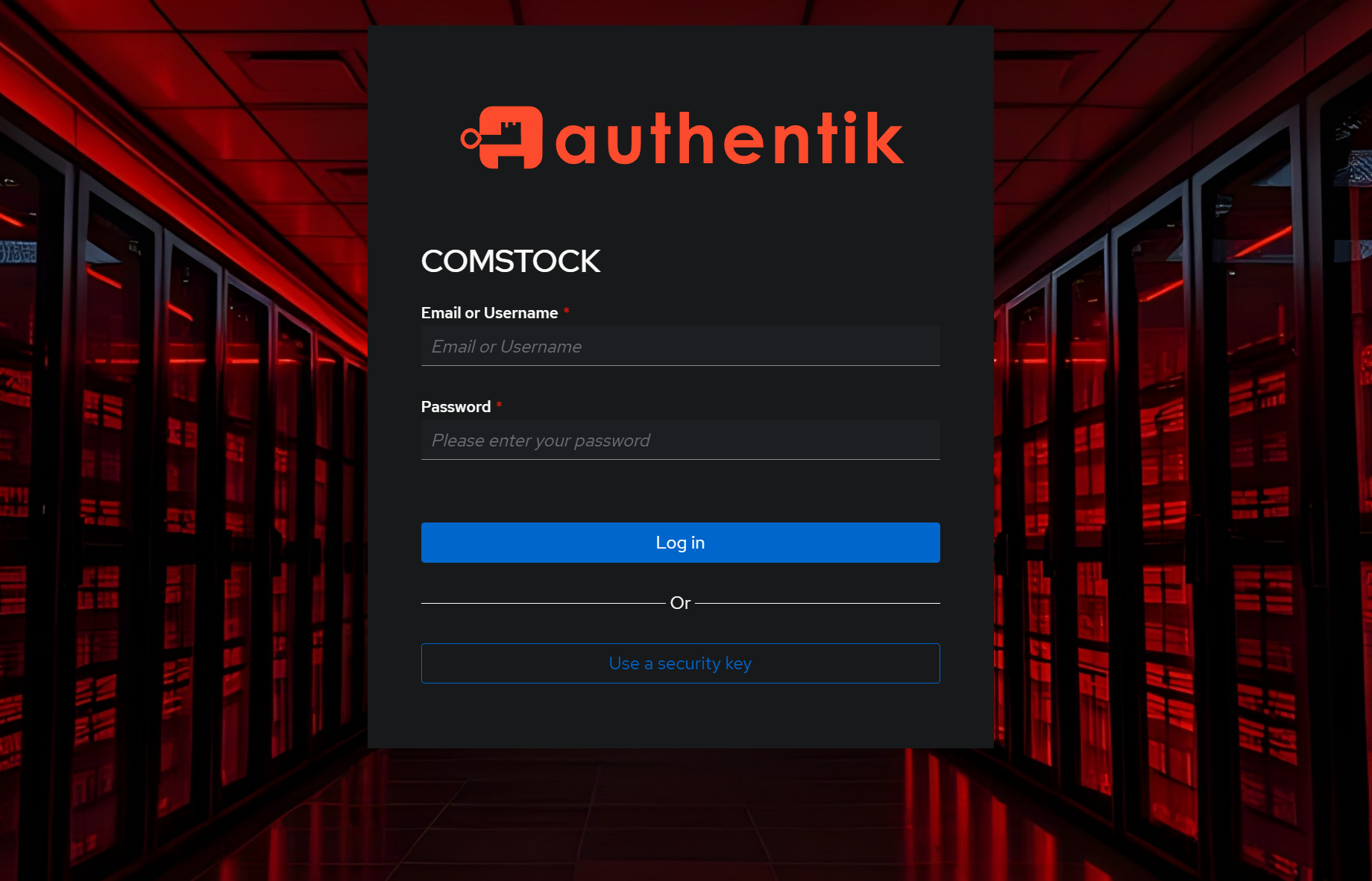
Authentik as SSO and Security Gateway
- Authors

- Name
- MajorTwip
- @MajorTwip
Starting point
Besides this website, I run various other services. Portainer for Docker management, IPAM, Grafana, etc. are only used by me and can therefore be safely protected behind a VPN. With Immich and Paperless I want to be able to share things, but these are actively developed and I hope they are secure enough. There are other services I trust less, and the family tree tool contains particularly sensitive data. So all of that should sit behind 2FA.
Components
I have been using Traefik as my reverse proxy for quite a while. It can be connected to Authentik via ForwardAuth. All of this runs on Docker, though not on the same host.
Setting up Authentik
Basically I use the official Authentik docs. However, with a few adjustments to the docker compose:
services:
  server:
    labels:
      # Labels to make Authentik available via Traefik
      - traefik.enable=true
      - traefik.http.routers.idp.entrypoints=https
      - 'traefik.http.routers.idp.rule=Host("<fqdn from authentik>")'
      - traefik.http.routers.idp.tls=true
    volumes:
      # Saving data to local filesystem
      - /docker/authentik/media:/media
      - /docker/authentik/custom-templates:/templates
    env_file:
      # Has to be modified like this to be used in Portainer
      - stack.env
    ports:
      # Removed fixed ports, given that access will be done via Traefik
      - "9000"
      - "9443"
Configuring the outpost
Here I want to give credit where it is due. In the tutorial on simplehomelab.com the chapter "Authentik Configuration" is pretty far down and explains everything with a bunch of screenshots.
Setting up Traefik
Now it gets complicated. Not the Traefik configuration itself, but my setup. I use two different Traefik instances. One on the primary Docker host, configured via container labels and delivering certificates from my own certificate authority. An internet-facing one that delivers certificates from LetsEncrypt and only routes the externally reachable services. I configure that via the file provider. That outer instance is set up very simply based on the Authentik docs, per the "Standalone" tab, just without the port, or rather with port 443.